Learn NinjaScript: Organizing Your Files and Folders
Ten indicators are manageable. Fifty aren’t, without conventions. When Indicators/ has 50 files at the top level, half of them vendor downloads with names like MyTrendIndicator and MyTrendIndicator2, you end up grepping filenames instead of thinking about code. A naming scheme and a folder layout cost a few minutes to set up and save real time six months in.
This post covers the folder structure NT expects, how sub-folders work with namespaces, naming conventions, and the compile-fail trap when a file and its namespace don’t agree. The anchor is a folder layout you can copy directly — indicators organized under a personal prefix, AddOns broken out by category.
⚙️ The Three Folders That Matter
All NinjaScript source lives under Documents\NinjaTrader 8\bin\Custom\. Three top-level folders hold the bulk of what you write:
Indicators/— every indicator class, one class per file.Strategies/— every strategy class, same one-per-file rule.AddOns/— shared static helper classes (covered in Week 25).
Two others exist but are specialized: DrawingTools/ (custom drawing tool subclasses, Week 24) and AddOns/-sub-categories for add-on windows. Everything NT’s compiler cares about lives in these folders plus their sub-folders — scattered files anywhere else don’t get compiled.
📁 Sub-folders and Namespace Alignment
NT supports sub-folders inside each of the main three. This is what makes a large codebase tractable — you can group files by project, vendor, or category. The hard rule: the namespace must match the folder path exactly. A file at Indicators/indTradingView/SuperTrend.cs must declare namespace NinjaTrader.NinjaScript.Indicators.indTradingView. Get this wrong and the indicator either doesn’t appear on the chart, or references from other files fail at compile time.
Here’s the full mapping:
Folder Conventions
| Path | Contains | Namespace Root |
|---|---|---|
| bin/Custom/Indicators/ | One .cs per indicator class at the top level. | NinjaTrader.NinjaScript.Indicators |
| bin/Custom/Indicators/MyCategory/ | Category-organized indicators — vendor prefix, project name, or personal grouping. | NinjaTrader.NinjaScript.Indicators.MyCategory |
| bin/Custom/Strategies/ | Strategy files at the top level. | NinjaTrader.NinjaScript.Strategies |
| bin/Custom/Strategies/MyCategory/ | Category-organized strategies. | NinjaTrader.NinjaScript.Strategies.MyCategory |
| bin/Custom/AddOns/ | Shared helper classes (Week 25) at the top level. | NinjaTrader.NinjaScript.AddOns |
| bin/Custom/AddOns/MyCategory/ | Category-organized helpers — math, time, brush, serialization. | NinjaTrader.NinjaScript.AddOns.MyCategory |
| bin/Custom/DrawingTools/ | Custom drawing tool subclasses (Week 24). | NinjaTrader.NinjaScript.DrawingTools |
🏷️ File Naming Conventions
- PascalCase for everything.
SuperTrendPlus.cs, notsuper_trend_plus.cs. The file name should match the class name inside, which must be PascalCase for NT to display it on the chart menu. - No spaces in folder names. NT compiles
Indicators/My Category/but references to classes in it get weird — rename toMyCategoryorMy_Category. - Vendor or project prefix. If you build a family of indicators that belong together, prefix both the folder and the class names:
indTradingView/SuperTrendPlus.cs,indTradingView/RangeFilter.cs. Makes the lineage obvious in the chart menu and avoids clashes with downloads. - Avoid name collisions across sub-folders. Two classes named
TrendHelperin different sub-folders compile, but every reference needs to be fully qualified, which gets noisy. Pick unique class names; let the sub-folder provide organization, not disambiguation. - Match class name, file name, and namespace-tail. If the file is
SuperTrendPlus.csin folderindTradingView, the class isSuperTrendPlus, the namespace isNinjaTrader.NinjaScript.Indicators.indTradingView. All three agree. Rename one, rename all three.
🛠️ The Anchor Example — A Folder You Can Copy
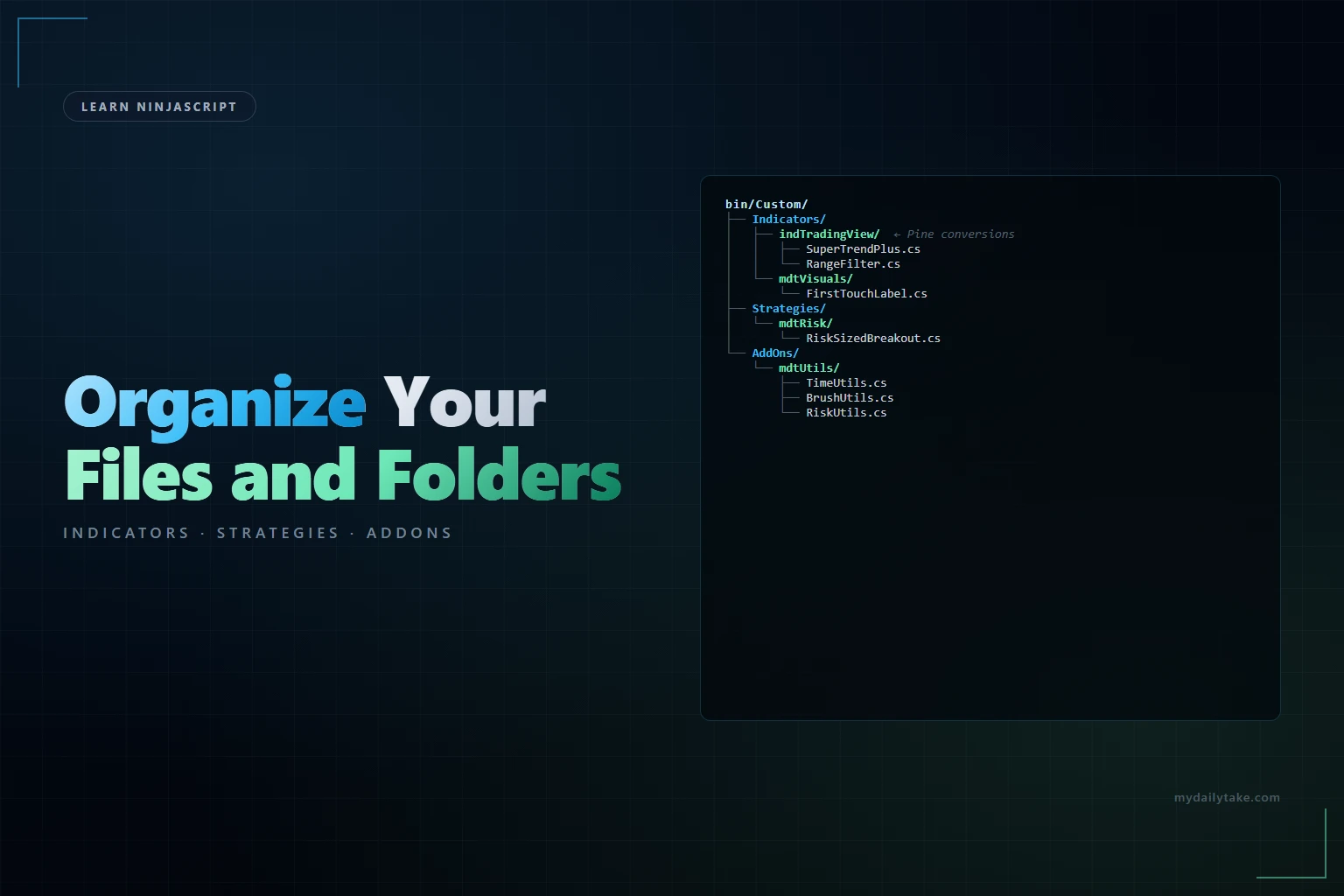
A layout that scales past a hundred files without falling apart. Prefix personal/project work with three letters, keep the NT-provided examples at the top level:
bin/Custom/
├── Indicators/
│   ├── indTradingView/          ← Pine-converted indicators
│   │   ├── SuperTrendPlus.cs
│   │   └── RangeFilter.cs
│   ├── mdtVisuals/              ← your charting visuals
│   │   └── FirstTouchLabel.cs
│   └── (NT built-ins and stragglers stay at top level)
│
├── Strategies/
│   ├── mdtRisk/
│   │   └── RiskSizedBreakout.cs
│   └── mdtTrend/
│       └── TrendFollower.cs
│
└── AddOns/
    ├── mdtUtils/
    │   ├── TimeUtils.cs
    │   ├── BrushUtils.cs
    │   └── RiskUtils.cs
    └── mdtSerialization/
        └── PriceLevelSerializer.cs
A file in that tree with correctly aligned namespace:
// File: bin/Custom/Indicators/indTradingView/SuperTrendPlus.cs

using System;
using NinjaTrader.NinjaScript.AddOns.mdtUtils;   // reach into your AddOn

namespace NinjaTrader.NinjaScript.Indicators.indTradingView
{
    public class SuperTrendPlus : Indicator
    {
        // ... class body
    }
}
Folder path → namespace. The using at the top reaches across folders into the AddOns tree; the compiler stitches it all together because every namespace matches its folder. Move the file to Indicators/mdtVisuals/ and you must also change the namespace line to ...Indicators.mdtVisuals — otherwise the indicator vanishes from the chart menu.
📝 Pitfalls Checklist
- Moving a file without updating its namespace. File now sits at
Indicators/mdtTrend/but still declaresnamespace NinjaTrader.NinjaScript.Indicators.indTradingView. Compiles — NT doesn’t enforce folder-vs-namespace agreement at compile time — but the indicator disappears from the menu at runtime. - Sub-folder names with spaces. NT compiles them; the resulting class paths contain the spaces and references from other files break. Use underscores or CamelCase for sub-folder names.
- Two classes with the same name in different sub-folders.
Indicators/mdtVisuals/Label.csandIndicators/mdtTrend/Label.cs. Both compile. Any file referencingLabelfails with “ambiguous reference.” Rename one of them. - Skipping sub-folders entirely. 50 files at the top level of
Indicators/. Compiles fine; maintenance nightmare. Create sub-folders as soon as you have three or four files that naturally belong together. - Renaming the file without renaming the class and namespace. File renamed to
SuperTrendPlusV2.csbut class inside is stillSuperTrendPlus. Compiles; the menu shows the old name. Rename all three together — file, class, namespace-tail if the folder moved. - Non-ASCII characters in folder names. NT’s compiler mostly handles UTF-8 but NinjaScript Archive export/import (Week 29) doesn’t always. Stick to
[A-Za-z0-9_]for sub-folder names.