Learn NinjaScript: Creating a Signal Engine with Flags
A single-bar signal is easy. “Close above SMA” or “RSI crossed 30” fits in one if block. Multi-bar signals — “setup bar, then a confirmation bar within three bars, then a trigger bar” — turn into nested conditions that are fragile, hard to test, and almost impossible to debug when they misfire.
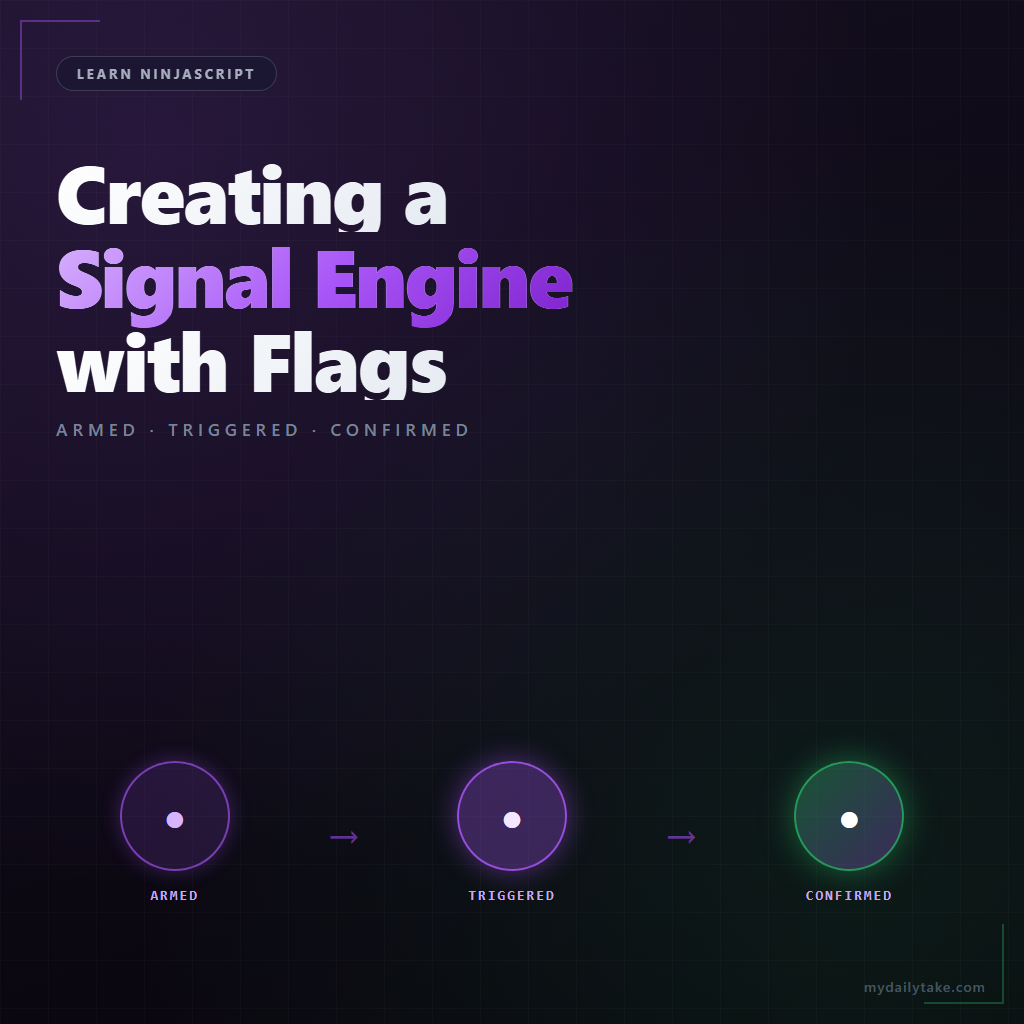
A state machine with flags is the idiomatic NinjaScript answer. Three booleans tracking whether the setup has armed, whether the confirmation has triggered, whether the signal has fired. This post covers the pattern, the timeout logic that keeps stale state from lingering, and what to do when a step resets mid-sequence.
⚙️ Why a State Machine
Consider ICT silver bullet logic: enter a specific hour window → wait for a liquidity sweep → wait for a market-structure shift → enter on the retracement into an FVG. Four distinct conditions, each depending on the previous. Trying to express this as one boolean expression is impossible — the conditions don’t all hold on the same bar.
The state-machine framing: track what stage you’re in. armed means the kill-zone window has opened. triggered means a liquidity sweep has fired. confirmed means the MSS has followed. When all three are true and the final condition (FVG retrace) fires, the signal fires and the machine resets. Each condition is a small check operating on whichever flag is relevant.
🚩 The Three Flags Pattern
Three booleans covering a typical multi-step signal:
private bool isArmed;        // setup condition met
private bool isTriggered;    // trigger condition met (only valid if armed)
private int  armedBar;       // which bar armed the setup (for timeouts)
private int  triggeredBar;

protected override void OnBarUpdate()
{
    // Transition: fire the setup check.
    if (!isArmed && SetupCondition())
    {
        isArmed = true;
        armedBar = CurrentBar;
    }

    // Transition: fire the trigger check — only if already armed.
    if (isArmed && !isTriggered && TriggerCondition())
    {
        isTriggered = true;
        triggeredBar = CurrentBar;
    }

    // Transition: fire the final confirmation.
    if (isArmed && isTriggered && ConfirmationCondition())
    {
        // Signal fires!
        FireSignal();
        ResetMachine();
    }
}

private void ResetMachine()
{
    isArmed      = false;
    isTriggered  = false;
    armedBar     = 0;
    triggeredBar = 0;
}
Each transition checks both the previous flag and the new condition. You can’t trigger without being armed; you can’t confirm without being triggered. The sequence is enforced structurally, not through tangled if chains.
⏱️ Timeout and Reset Logic
A signal that’s armed forever and never fires is worse than not firing — it may trigger on a stale condition five hours later when the setup context has long passed. Timeouts solve this: if the next step doesn’t arrive within N bars, reset the machine.
private const int ARMED_TIMEOUT = 10;
private const int TRIGGERED_TIMEOUT = 5;

protected override void OnBarUpdate()
{
    // Timeouts first — before any transitions.
    if (isArmed && !isTriggered && CurrentBar - armedBar > ARMED_TIMEOUT)
        ResetMachine();

    if (isTriggered && CurrentBar - triggeredBar > TRIGGERED_TIMEOUT)
        ResetMachine();

    // ... transitions as above
}
Timeouts are per-stage. An armed setup might wait up to 10 bars for a trigger; once triggered, it might allow only 5 more bars for confirmation. Exposing these as properties lets the user tune the strictness.
🎯 Firing the Signal and Cleaning Up
When the final condition fires, two things happen: the signal is emitted (arrow drawn, alert fired, Series<bool> output flagged), and the machine resets so it can arm fresh on the next setup.
Emission is whatever the indicator does — plot a dot, set a Series<bool> for strategy consumption, draw an arrow, fire an alert. The cleanup is just calling ResetMachine(). Both happen on the same bar, in that order.
🛠️ The Anchor Example — MySma With a Two-Step Confirmed Signal
Extending MySma. The setup is an SMA cross above. The confirmation is “the next bar’s close must also be above the SMA, within 3 bars.” If both happen, fire the signal.
private bool isArmed;
private int armedBar;
private Series<bool> sSignal;

public override void OnStateChange()
{
    if (State == State.DataLoaded)
        sSignal = new Series<bool>(this, MaximumBarsLookBack.Infinite);
}

protected override void OnBarUpdate()
{
    if (CurrentBar < Period + 1) return;

    sSignal[0] = false;

    // Timeout check first — 3-bar window.
    if (isArmed && CurrentBar - armedBar > 3)
        isArmed = false;

    // Setup: SMA cross above.
    if (!isArmed && CrossAbove(Close, SMA(Period), 1))
    {
        isArmed = true;
        armedBar = CurrentBar;
    }
    // Confirmation: next close also above SMA, within the window.
    else if (isArmed && CurrentBar > armedBar && Close[0] > SMA(Period)[0])
    {
        sSignal[0] = true;
        Draw.ArrowUp(this, "sig_" + CurrentBar, false, 0,
                     Low[0] - TickSize * 3, Brushes.LimeGreen);
        isArmed = false;   // reset
    }
}

[Browsable(false)][XmlIgnore]
public Series<bool> ConfirmedSignal
{
    get { Update(); return sSignal; }
}
Single flag, two transitions, explicit timeout. The signal fires cleanly when both conditions are met, resets if confirmation doesn’t arrive in time, and never fires twice on the same setup.
📝 Pitfalls Checklist
- Forgetting to reset flags on timeout. Signals get stuck “armed” forever. A setup from two days ago keeps triggering on unrelated conditions.
- Using the same flag for two meanings. If
isArmedmeans both “setup fired” and “trigger fired” depending on context, debugging becomes impossible. Use separate flags. - Timeout by clock time vs bar count. Bar count is usually what you want — an indicator on a 1-minute chart and a 5-minute chart should have the same “10 bars” timeout, not the same “10 minutes.”
- Checking timeouts after transitions instead of before. A stale armed flag can trigger a state advance on the same bar you meant to time it out. Always check timeouts first.
- Flags as scalar only. If a strategy wants “was this bar the arming bar,” expose
isArmedasSeries<bool>. Scalar only gives you the current bar’s state. - Firing the signal more than once per setup. If you don’t reset the machine after firing, the confirmation condition fires on every subsequent bar that still meets it. The reset is not optional.